
Safety, verification, and undo
PosterPilot treats every artwork or configuration write as a reviewable operation. Suggestions, FUN results, collection families, schedules, and discovery jobs never write artwork by themselves.
The write contract
Section titled “The write contract”For direct media-server artwork, Kometa metadata, custom uploads, collection
operations, and Kometa config.yml changes, the safe path is:
- Stage the artwork or configuration input.
- Preview the exact targets, destinations, slots, writes, and skips.
- Confirm the server-issued plan. The plan is short-lived, single-use, and bound to the previewed content and source fingerprints.
- Execute only the frozen operations. Execution does not rediscover or silently replace a candidate.
- Verify each destination after writing.
- Record a destination- and slot-specific revision, including failures.
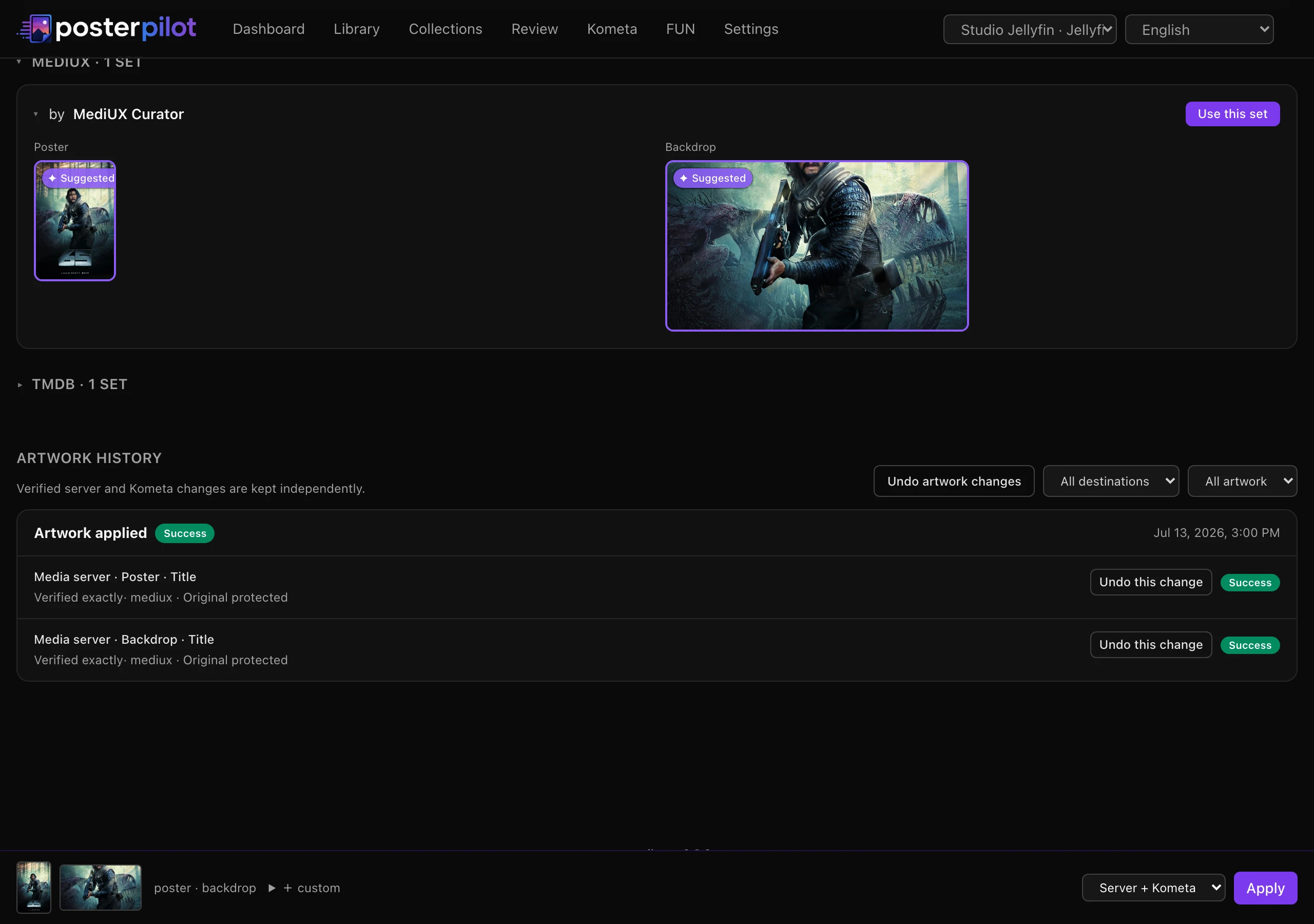
If the selection, target artwork, collection membership, Kometa file, destination, or another bound input changes after preview, confirmation is rejected. Request a fresh preview; do not retry an old confirmation token.
For a single item whose previewed plan is warning-free — nothing skipped and at least one write — PosterPilot issues the confirmation itself in the same click, so steps 2–3 happen without a separate dialog. Any skipped target, an empty plan, apply-and-next, and collection operations keep the explicit confirmation step. The server-side contract is identical either way: the plan is still previewed, short-lived, single-use, and executed frozen.
What is captured
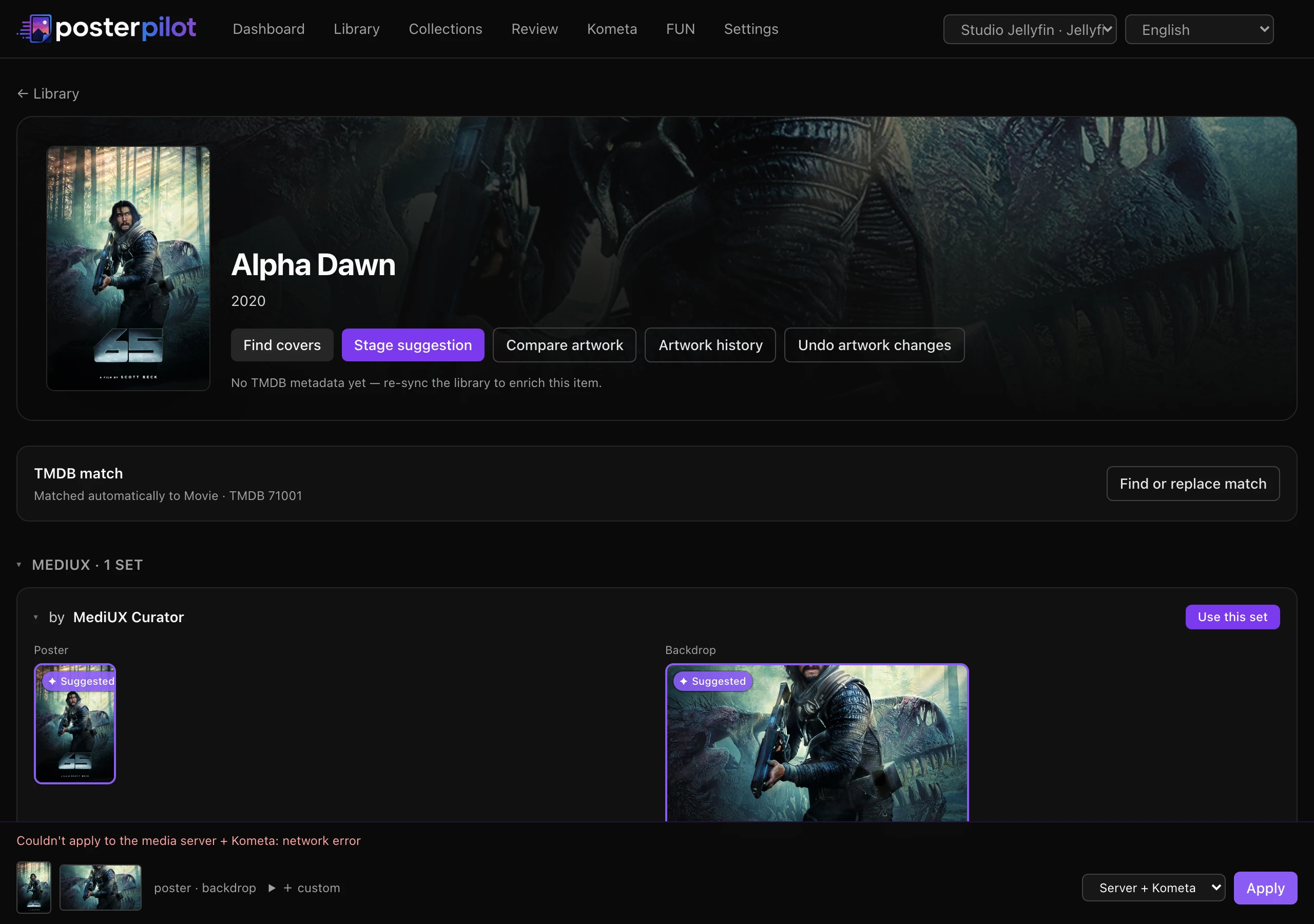
Section titled “What is captured”Before a planned mutation, PosterPilot records the prior state for the affected slot. Where the media-server provider can read the image bytes, it stores a local, content-addressed snapshot under the application data directory. Kometa revisions retain the previous managed YAML value, including the fact that it was absent.
The timeline is append-only. Applying again or undoing does not erase the original attempt. An uploaded file is represented by a safe content identity; credentials and secret-bearing URLs are not exposed in browser history.
Verification states
Section titled “Verification states”- Exact — the destination can be compared with the intended content or exact managed YAML value.
- Best effort — the provider exposes a stable changed image identity, but not byte-for-byte evidence.
- Failed or unavailable — the write failed, the destination differs, or the provider could not supply enough evidence. This is never shown as verified success.
Server and Kometa outcomes remain independent. A “Both” operation can therefore be partially successful, and season or episode failures do not hide successful sibling slots.
Partial failures and retries
Section titled “Partial failures and retries”Open the job details to see succeeded, failed, skipped, and interrupted counts plus the affected destination and slot. Retry failed creates linked work for eligible failed units only; successful mutations are not repeated. Validation and missing- configuration failures may require correcting Settings and generating a new preview instead of retrying.
“Apply and next” advances only when every selected target completed and passed verification. Otherwise it stays on the item with the recorded detail.
Undo from the artwork timeline
Section titled “Undo from the artwork timeline”On item detail, use the artwork timeline to preview undo for an available revision, a season, or the full item. The preview lists restorable operations and unavailable or already-restored slots. Confirmation restores the prior snapshot/value, verifies the result where supported, and appends a new undo revision.
Confirmation hands the frozen plan to the durable job queue, so a large undo — a whole collection, say — reports progress and resumes after a restart instead of dying with the request that started it.
Undo is scoped: restoring one season does not change the show poster or another season; restoring Kometa-managed metadata does not rewrite unrelated YAML. Mixed results remain visible and independently retryable.
Kometa configuration safety
Section titled “Kometa configuration safety”Structured sync, raw YAML save, and backup restore each have their own preview and confirmation. Diffs shown in the browser redact managed secrets. A confirmed write uses an atomic backup-and-replace path; stale, expired, changed, or reused plans write nothing. See the Kometa manager for the file layout and plain-text secret warning.
Safe operating habits
Section titled “Safe operating habits”- Keep
/datapersistent and include.app-keyin backups whenAPP_SECRETis unset. - Inspect skips before confirmation; a skip is not a verified success.
- Use Diagnostics before repeated retries when a server, provider, or path is unhealthy.
- Create an application backup before upgrades, server purges, or restore work.
- Keep automatic discovery review-first. No built-in schedule auto-applies artwork.
Continue with the day-to-day workflow or the automation and recovery guide.
PosterPilot is an independent project, not affiliated with or endorsed by Plex, Jellyfin, Emby, MediUX, Fanart.tv, TMDB, ThePosterDB, or Kometa. Trademarks belong to their respective owners. This product uses the TMDB API but is not endorsed or certified by TMDB.